Request approval workflow: illustrated guide
A typical request moves from creation and supporting evidence to manager review, finance review, and final processing. Your organization’s approval path may vary by amount, department, location, project, or request type.
Approvers should review the purpose, amount or quantity, evidence, budget, policy compliance, and conflicts of interest. Approval confirms authorization at that stage; it does not necessarily confirm payment or completion.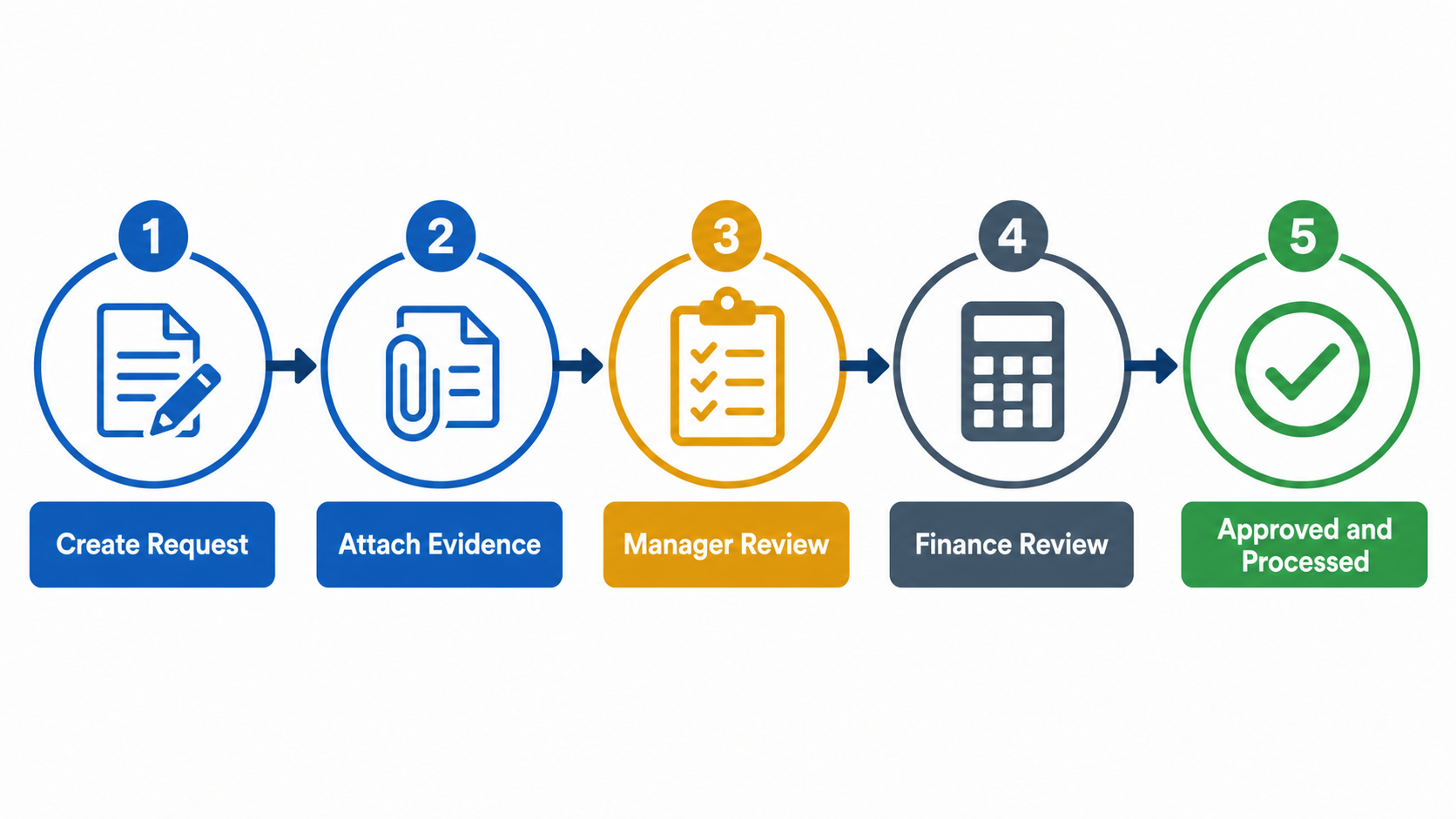 Generic five-stage request approval workflow from creation through evidence, manager review, finance review, and processing.
Related Articles
Cash request form: illustrated field guide
This generic illustration shows the information normally required for a cash request. Use a clear purpose, accurate amount and currency, required date, project and budget context, and supporting documentation. Fields in your organization may vary. ...Using approval in principle
Audience: Budget owners, procurement administrators, approvers, and requesters using an approved AIP An Approval in Principle (AIP) pre-approves a spending budget, so that purchasing against it later can move faster and stay inside agreed limits. ...Understanding the procurement workflow
Audience: Requesters, procurement teams, approvers, and finance teams Spendive's procurement module follows a chain from intention to payment. Each stage has its own page, and each produces a record the next stage draws on. The chain Approval in ...Creating a purchase request
Audience: Requesters and procurement teams Use a purchase request to buy goods or services your organisation does not hold in stock. Choose a purchasing method first Before anything else, the form asks how you want to source the request. This choice ...Understanding request statuses
Audience: All Spendive users Every request you raise moves through the same tracking pattern, whatever its type. Overview and Action Required Each request page has two tabs. Overview lists your records with summary cards counting the total, pending, ...